
Wednesday, July 30, 2008
The World According to Cuil
The following snippets with accompanying thumbnails were taken from search engine Cuil.com (they are not a representative sampling of all thumbnails – Cuil gets it right sometimes – but it also doesn’t take long to compile these errors, as they’re not too rare either). The company says Cuil “provides organized and relevant results based on Web page content analysis” and that it “gives users a richer display of results and offers organizing features” such as “images to identify topics”.
Bill Clinton
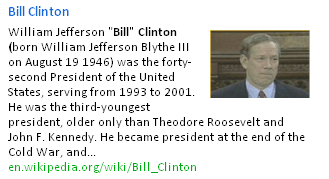
Boris Becker

Donald Trump

Eric Schmidt

Ghandi
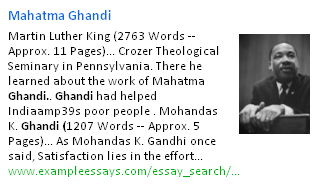
(Oops, my misspelling!)
Larry Page

Paul Graham

Marissa Mayer

Missionary
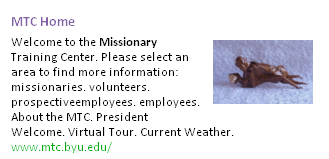
As a side-note, how would Google handle this? You can try it out yourself. Go to google.com and do a search as usual but add the text “view:info”, without quotes, e.g. ellen degeneres view:info. On the result page, click “Images” in the right-hand side box. The result will be similar to the following, as part of a Google Experimental Labs project titled “Alternate views for search results”:
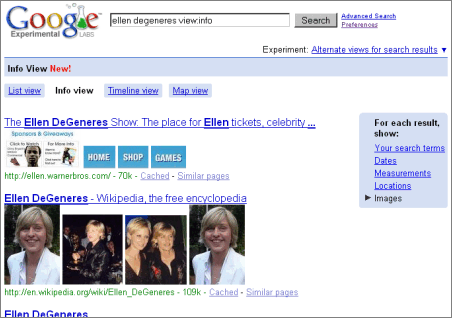
(This screenshot too isn’t necessarily representative, though Google seems to take the images right from the linked page in question, and as they show more than a single image they also might escape presenting any single picture as the one defining image.)
[Hat tip Mx and Ashwin Bharambe!]
>> More posts
Advertisement
This site unofficially covers Google™ and more with some rights reserved. Join our forum!