
Friday, October 17, 2008
Footnotes in Google Docs
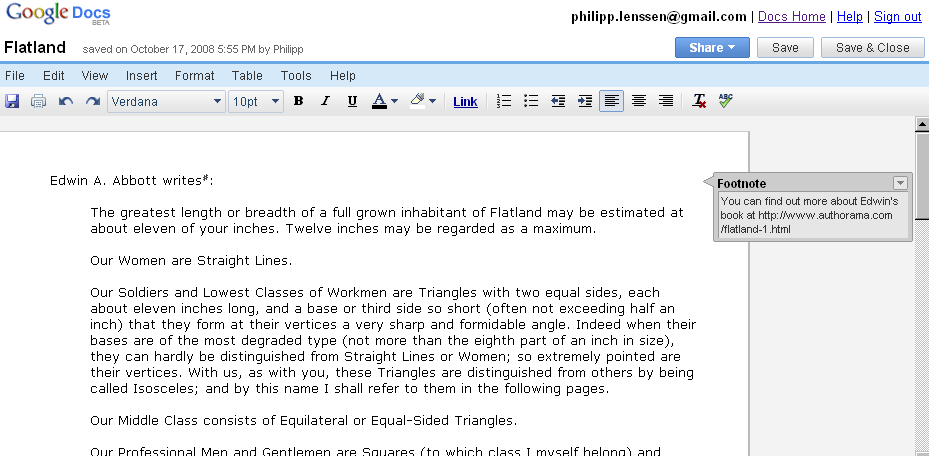
You can now add footnotes in Google Docs documents, as the Google help center explains. Just click anywhere in the document and pick Insert -> Footnote from the menu. The resulting document can display as shown in the screenshot, with a collapsable gray box next to the text, but when the document is printed the footnote appears at the bottom of the page.
[Thanks Hebbet!]
>> More posts
Advertisement
Advertisement
This site unofficially covers Google™ and more with some rights reserved. Join our forum!